Note: You can check the code for this POC in the dbt-iceberg-poc repository.
Motivation
Data lakes are becoming mainstream. Teams are moving away from data warehouses and are exploring data lakes as their primary analytics platform.
At Astrafy, we mainly use dbt for our ETL pipelines. It’s been shown as a spectacular way of simplifying pipelines and making them more maintainable. Therefore, we decided to explore how we could use dbt to build a Lakehouse on GCP.
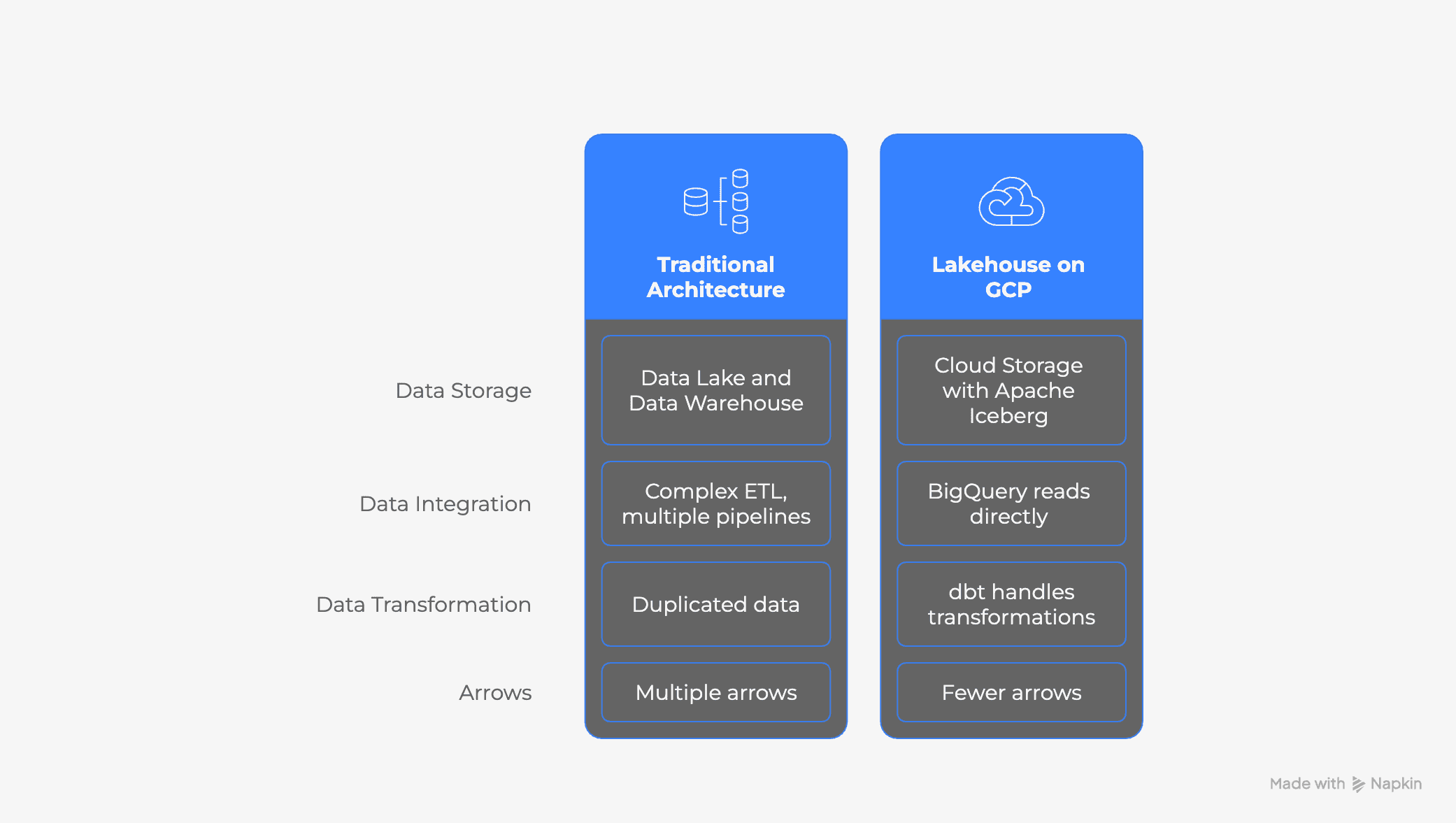
The ideal outcome would be having a fully functional, open-format pipeline where storage is explicitly decoupled from compute. This way, we could use any other compute engine to process the workloads without relying on BigQuery’s compute engine.
Potential benefits:
Cost savings: Data Warehouse compute costs are higher than providing a custom compute engine.
Flexibility: We could migrate our storage and/or compute workloads to other platforms.
Let’s dive into the details of how we built the pipeline.
Prerequisites & Infrastructure Setup
Create Storage
We separate storage (Bucket) from compute (BigQuery).
Create the GCS Bucket: This will hold our Iceberg data and metadata.
Configuring dbt for Iceberg
The magic happens in how we configure dbt to talk to this external storage. Instead of hardcoding paths in every model, we use the catalogs.yml feature introduced in `dbt-bigquery` v1.8+.
catalogs.yml: Create this file in your dbt project root. It tells dbt how to write Iceberg tables and where to put them.
Building the Pipeline
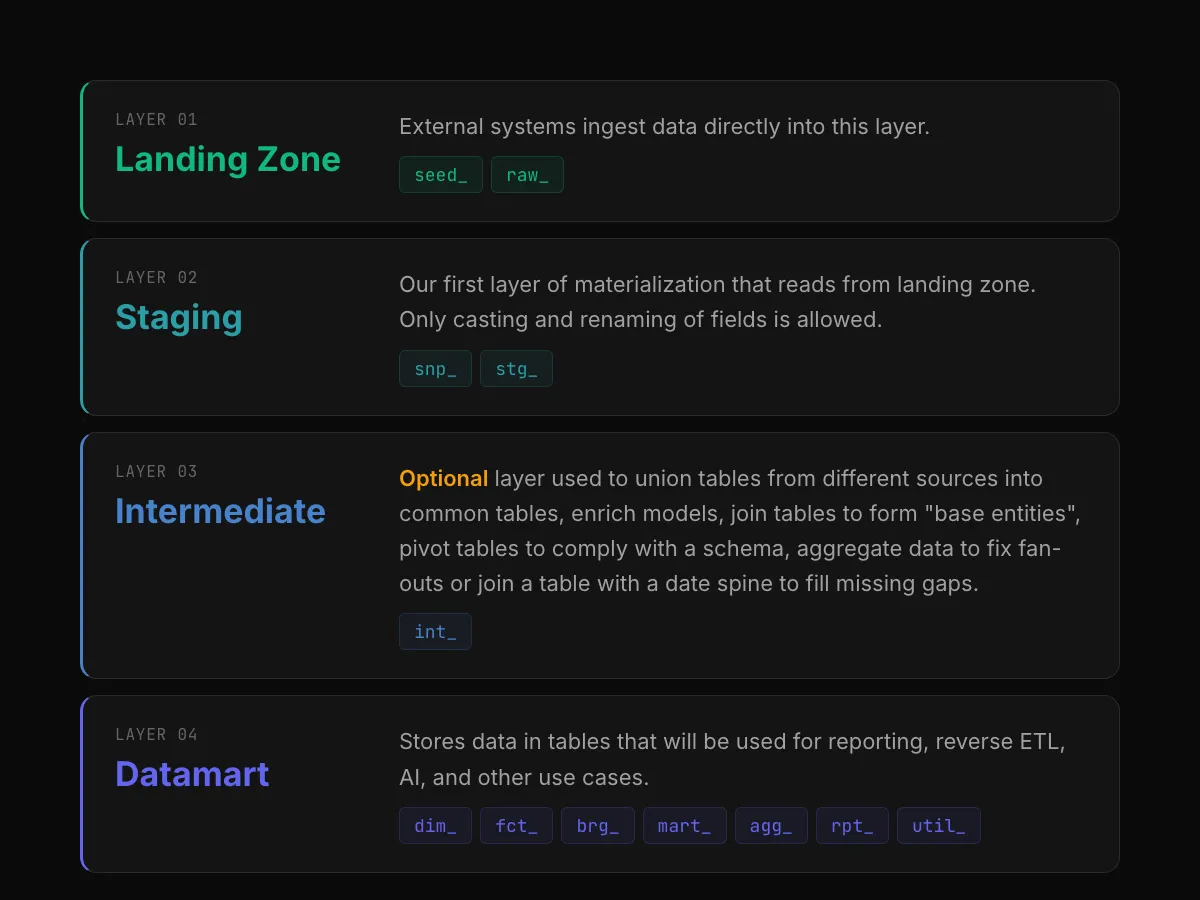
We implemented a Medallion Architecture (Bronze -> Silver -> Gold).
Bronze: Raw Ingestion
In the Bronze layer, we land data from our source (CSV files in GCS) into native Iceberg tables.
*Note: `ext_transactions` is a standard BigQuery external table pointing to the raw CSVs.*
Silver: Incremental Merge
This is where Iceberg shines. We use the `incremental` materialization with the `merge` strategy to deduplicate data. Unlike standard external tables, Iceberg supports ACID transactions, allowing us to update records efficiently.
Gold: Consumption Layer
For the final layer, we switch back to **Standard BigQuery Views**. Since the heavy lifting (deduplication) happened in Silver, views offer the best performance and compatibility for BI tools (Looker, Tableau) without the overhead of managing another storage layer.
Running the pipeline
After setting up the environment variables, service account, and permissions, we can test our pipeline.
We can then see our files created in GCS.
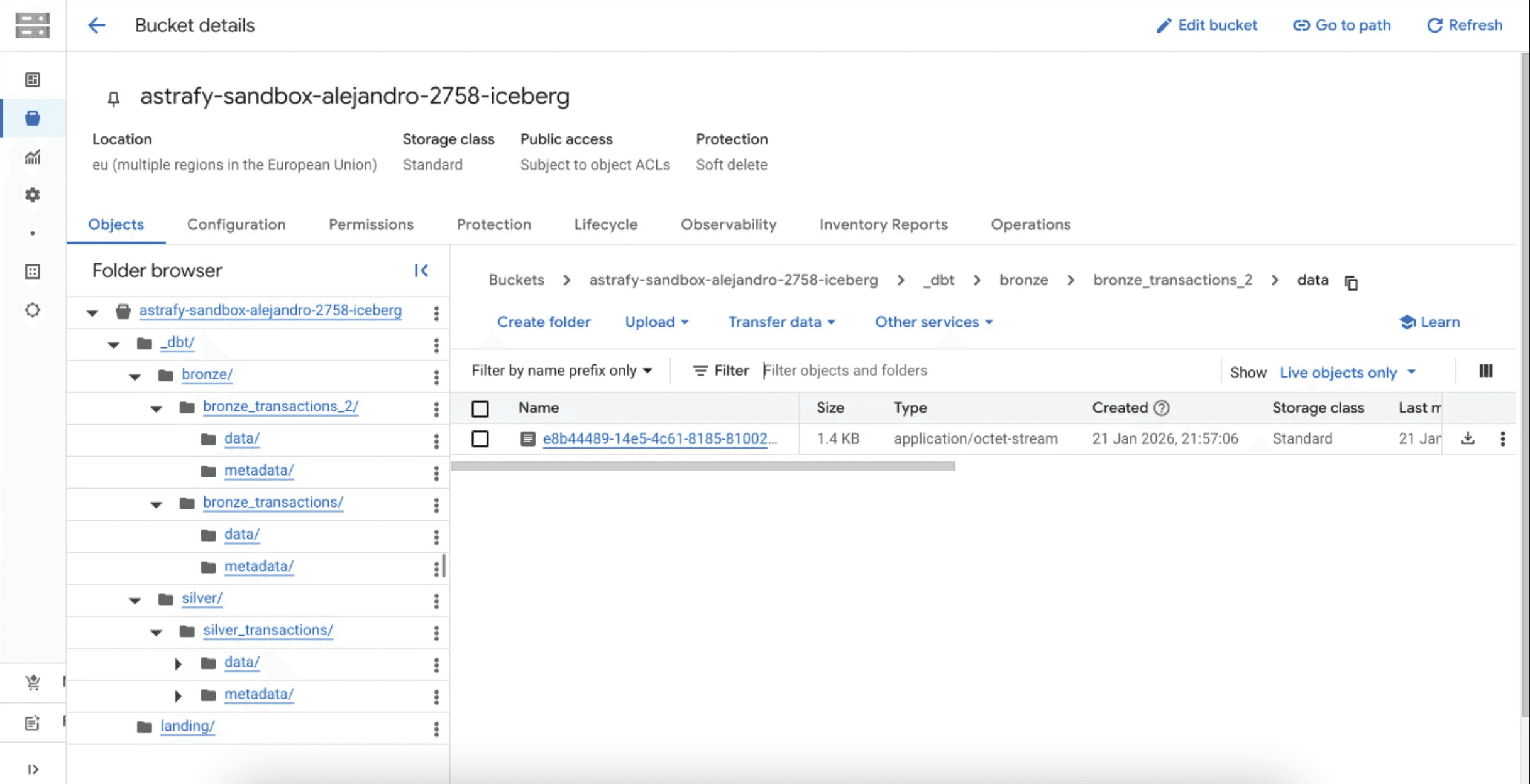
Files created in Google Cloud Storage
And our tables use the Iceberg Table Format.
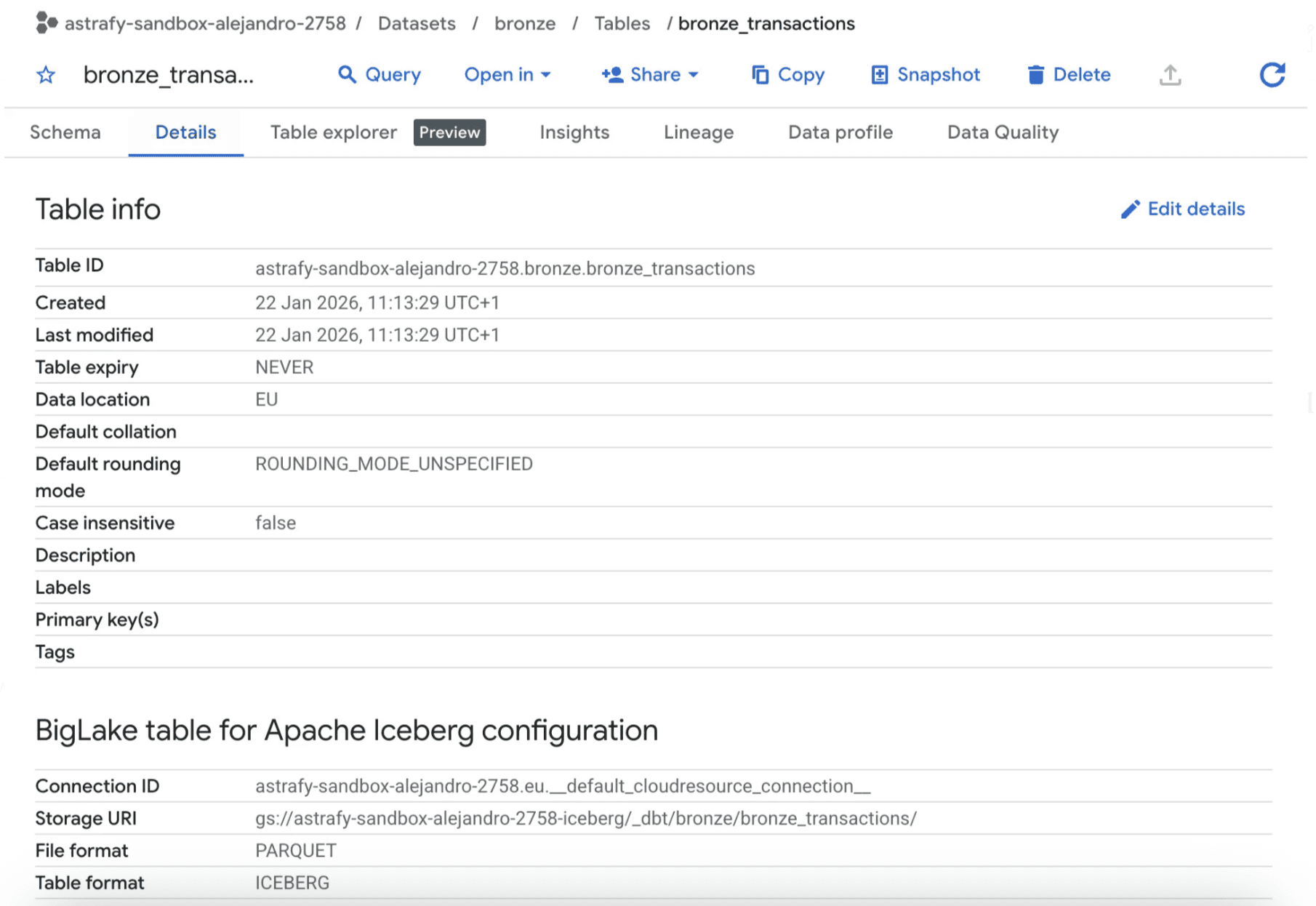
Bronze transactions table details in BigQuery
Limitations — Not so decoupled architecture
While the setup above works seamlessly, our research revealed a critical limitation regarding the open nature of this stack.
When using `catalog_type: biglake_metastore`, dbt creates BigLake Managed Tables. The metadata is managed implicitly by BigQuery. There is no accessible “Iceberg Catalog API” endpoint.
This defeats the primary promise of Iceberg: interoperability. You cannot easily connect an external engine (like Spark or Trino) to this catalog because it is locked inside BigQuery’s internal metadata service. You have open file formats (Parquet/Iceberg) trapped in a closed catalog.
We check the BigLake Metastore (BigQuery Iceberg’s managed catalog). We can see below how it has not created any automatic catalog for our stack.
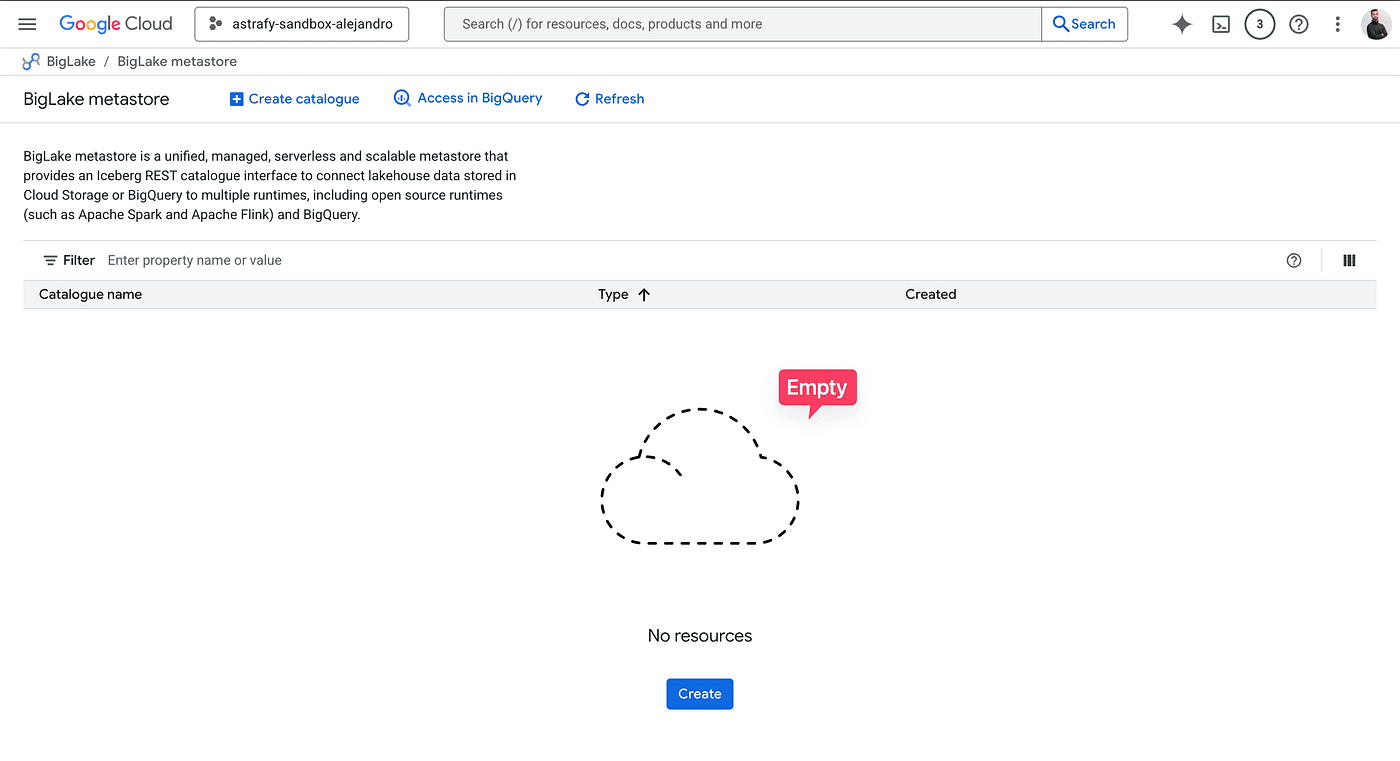
If we really wanted a real data lakehouse in GCP with its advantages, we should create a BigLake Metastore catalog manually and use compute engines that allow connecting to BigQuery’s Iceberg REST catalog. These include Spark, Trino, or Presto.
However, it is not currently possible to use dbt with this architecture, which increases the complexity of the pipelines and, unless you are already using those engines or your data needs require them, it is an overkill.
Conclusion
If your goal is simply to lower storage costs while keeping BigQuery as your primary engine, this stack could be an option. However, keep in mind that many optimizations BigQuery performs in the storage are not included, which makes this solution harder to manage.
Unfortunately, using dbt with Apache Iceberg is not an easy option in GCS at the moment. Integrations may come in the future, which makes this architecture not really an option in the current state of the technologies.